Skills:
Motion Design, 3D Design, Poster Design
Tools:
After Effects, Illustrator
01 - PROJECT OVERVIEW
This project involved designing a 3D motion poster that combined 2D design elements with 3D motion and animation in After Effects. The focus was on creating subtle yet dynamic motion through text transitions with glitch effects and shape manipulation while following a consistent style.
02 - CONCEPT
The project focused on translating a static poster into a dynamic visual experience by combining different effects and expressions alongside 3D motion to reflect change in the poster over time. The subtle movement, glitch effects, and 3D motion aimed to create a sense of rhythm as they integrated with the audio.
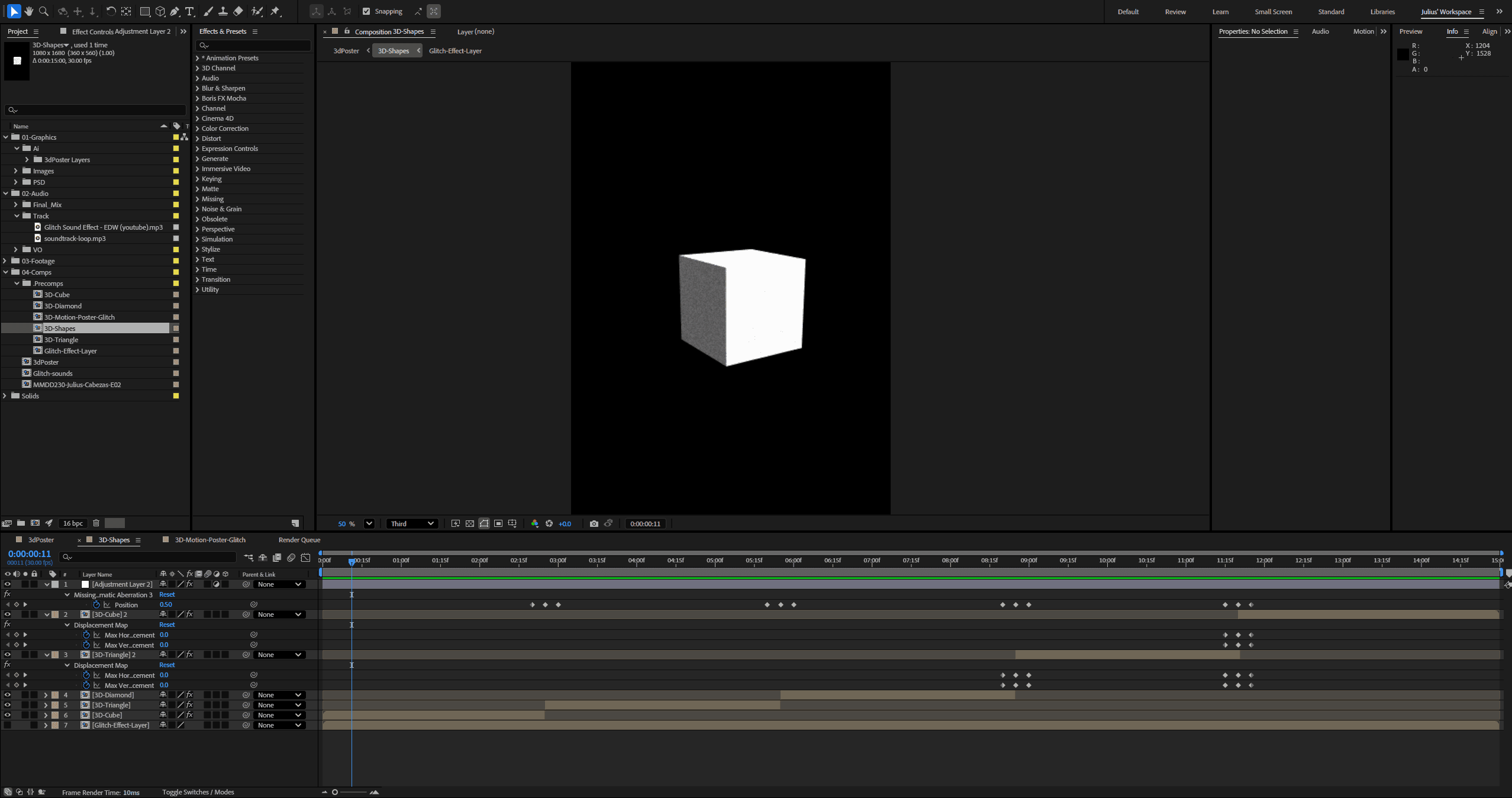
Screenshot of After Effects Project File
03 - PROCESS
For the primary aspects, such as the main text and visual object in the centre, I explored more glitch-style transitions and effects. The process began with poster design within Illustrator, laying out and creating the poster to have a strong visual hierarchy and a consistent style. Photoshop was added to implement the use of visual effects such as background grain and different poster iterations when in the development phase. After importing from Illustrator into After Effects, I used motion to give the static poster a three-dimensional feel, with custom-made transitions and expressions to sync object movement to audio and pace the transitions accordingly to display information.
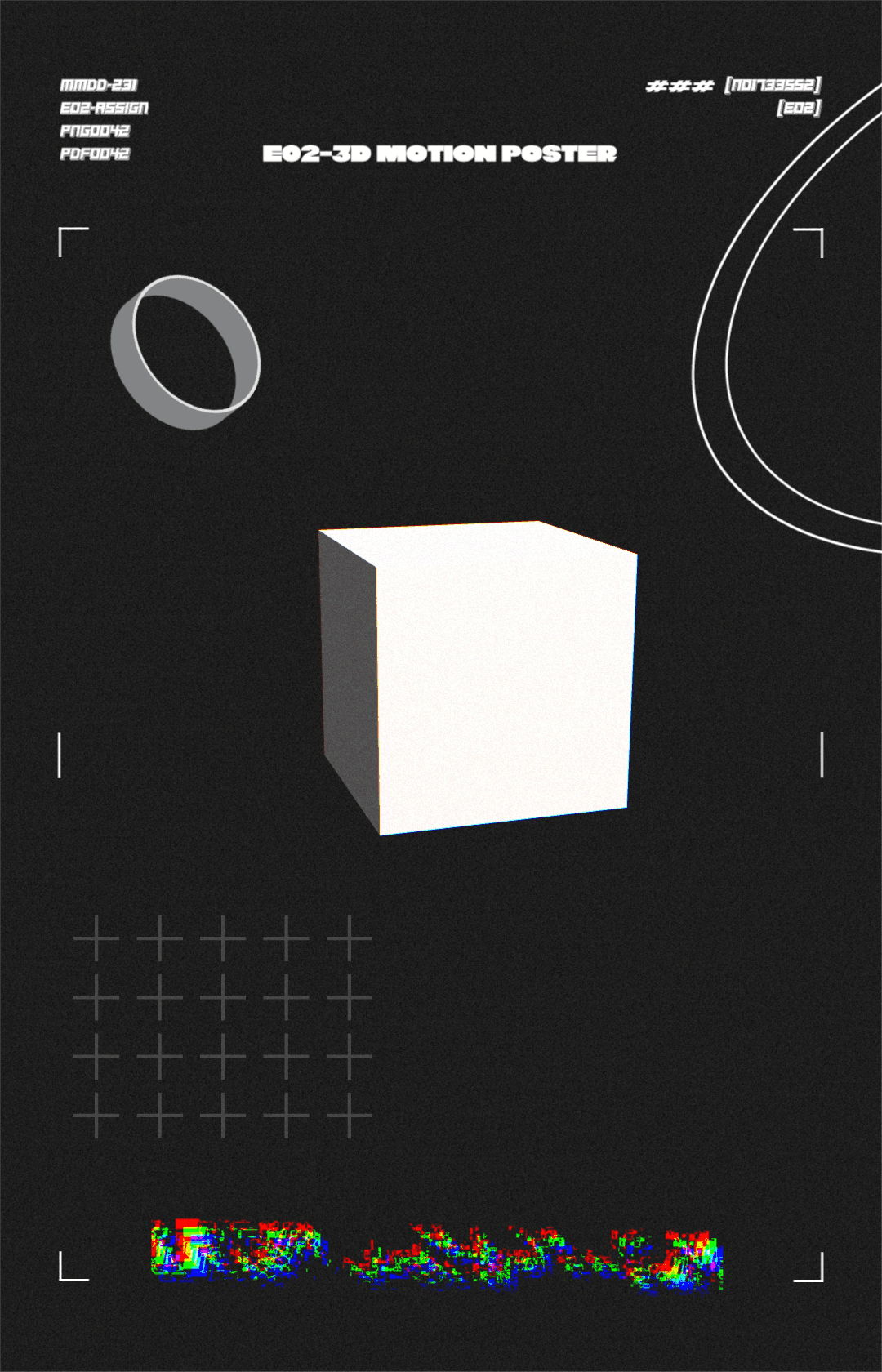
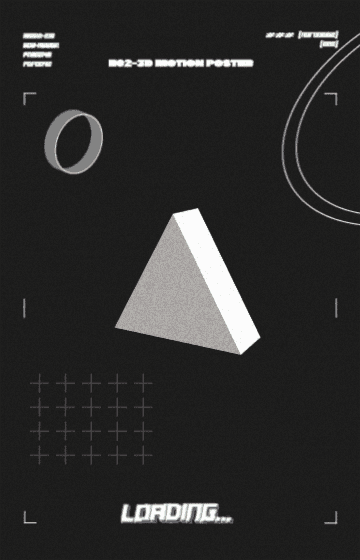
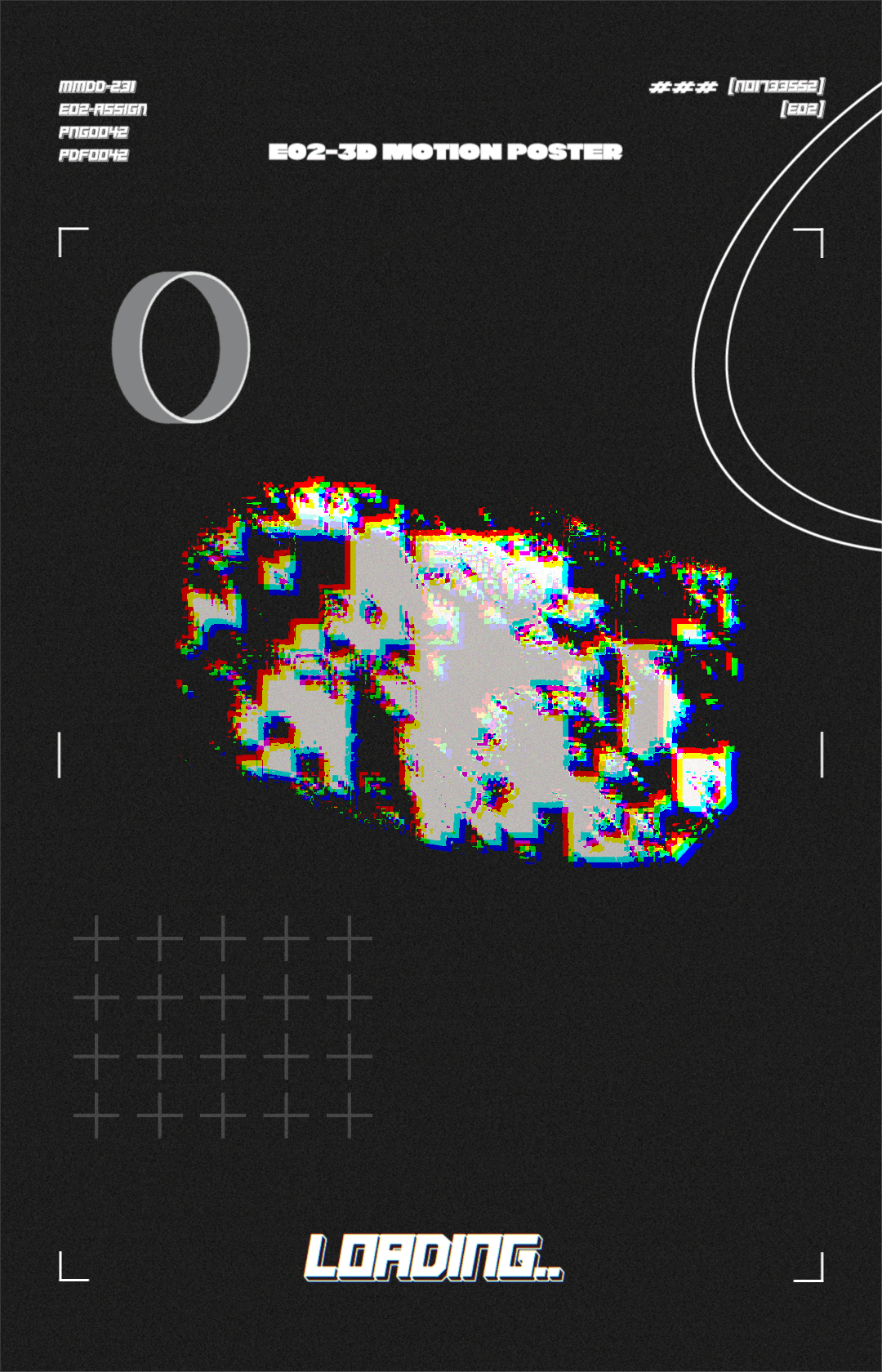
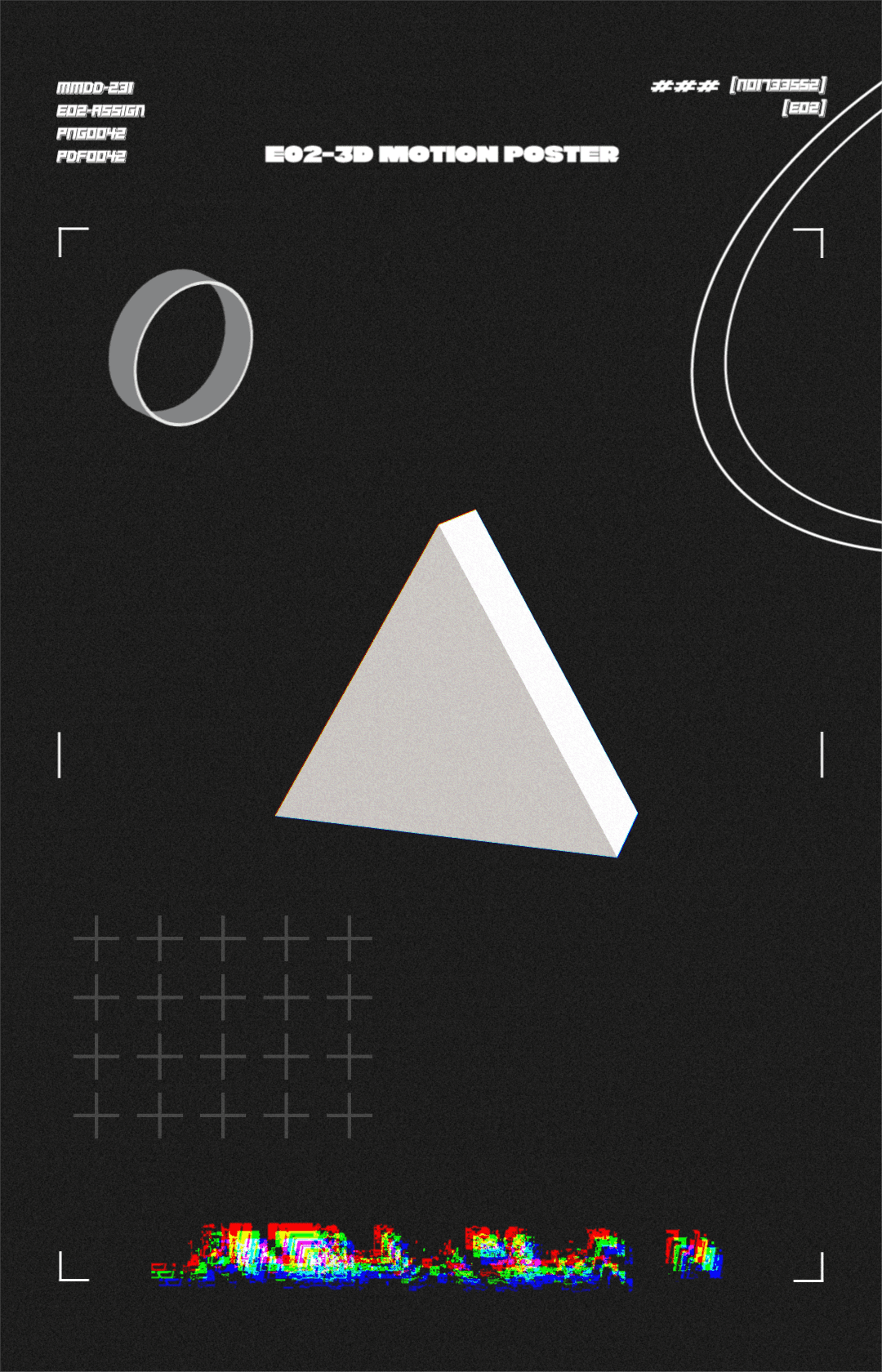
Key frames showcasing change in the poster
04 - REFLECTION
The project allowed me to explore working with 3D space and refine my workflow between programs while maintaining a schedule I set, practicing time management, and meeting the project deadline.