Skills:
Motion Design, Image Manipulation
Tools:
After Effects, Photoshop, Nanobanana
01 - PROJECT OVERVIEW
This project involved creating a short animated poster by transforming static, AI-generated images into animated visuals. The focus was on breaking down the image into its individual visual elements and animating them to create depth, movement, and a more atmospheric feel.
Video loop of Animated Illustration
02 - CONCEPT
The concept was focused on transforming the static image into an immersive scene through the use of subtle movement and motion. The goal was to create a calm and cooling feeling by putting extra emphasis on natural movements rather than overly exaggerated ones.
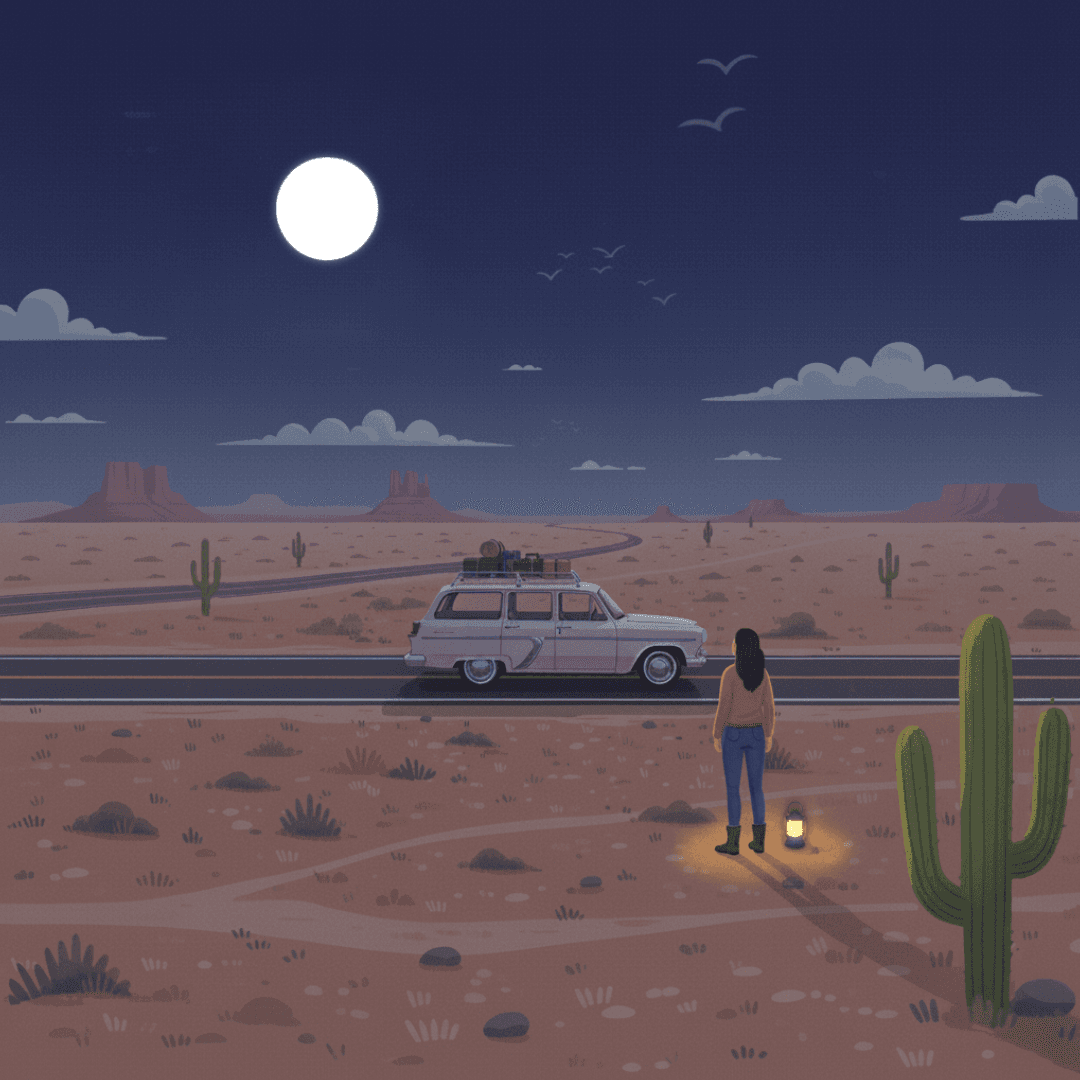
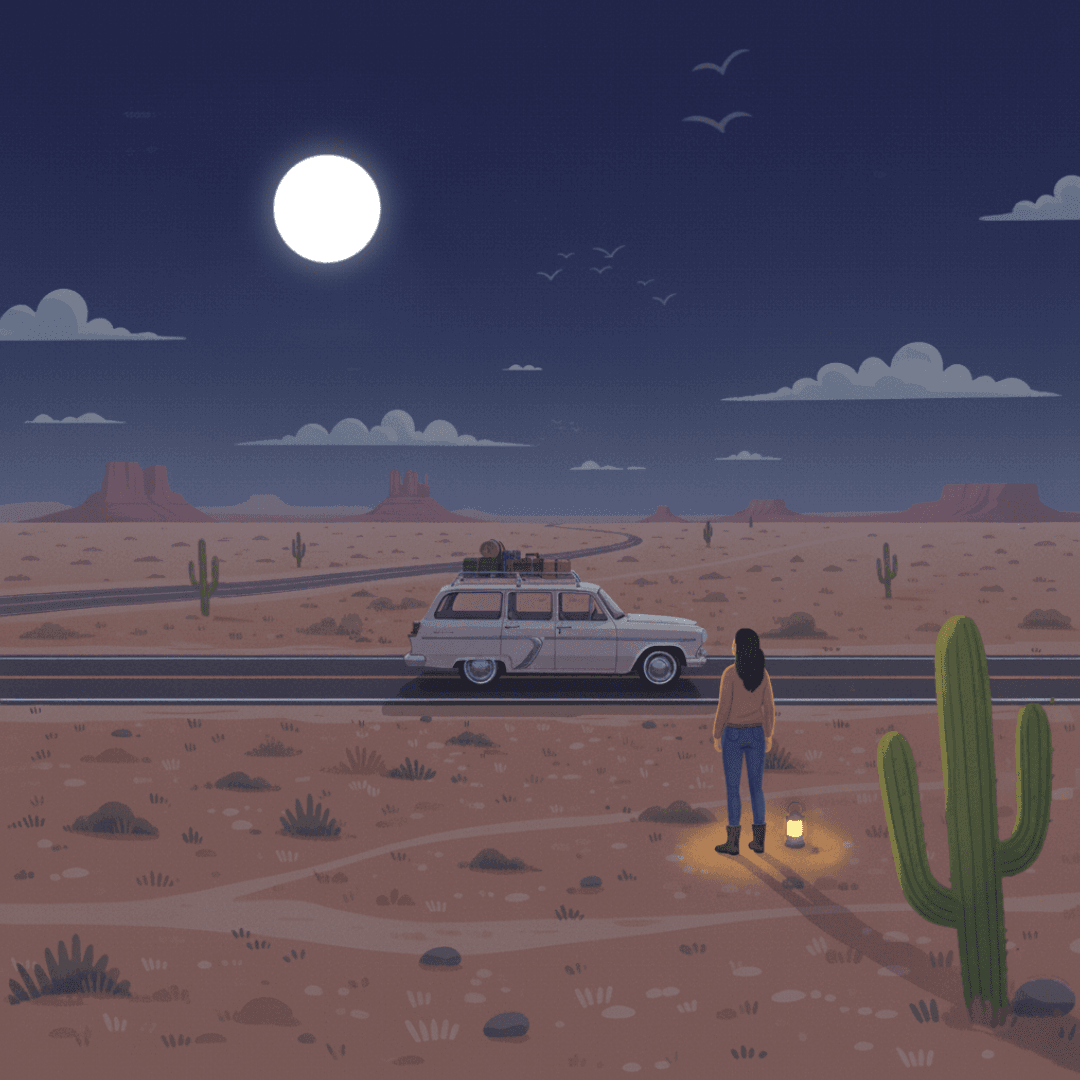
Two Style Frames depicting the subtle change in the Illustration
03 - PROCESS
The process began with generating static images, using the then-new Nanobanana image generation software presented to me by a professor. Through numerous prompts, I generated a set of images I was pleased with and imported them independently into Photoshop. Each image was carefully separated from its background, and tools such as content-aware fill were used to maintain visual clarity when moving on to animation. Once prepared, the individual assets were imported into After Effects, where they were then animated to simulate depth and motion and give the appearance of a living scene.
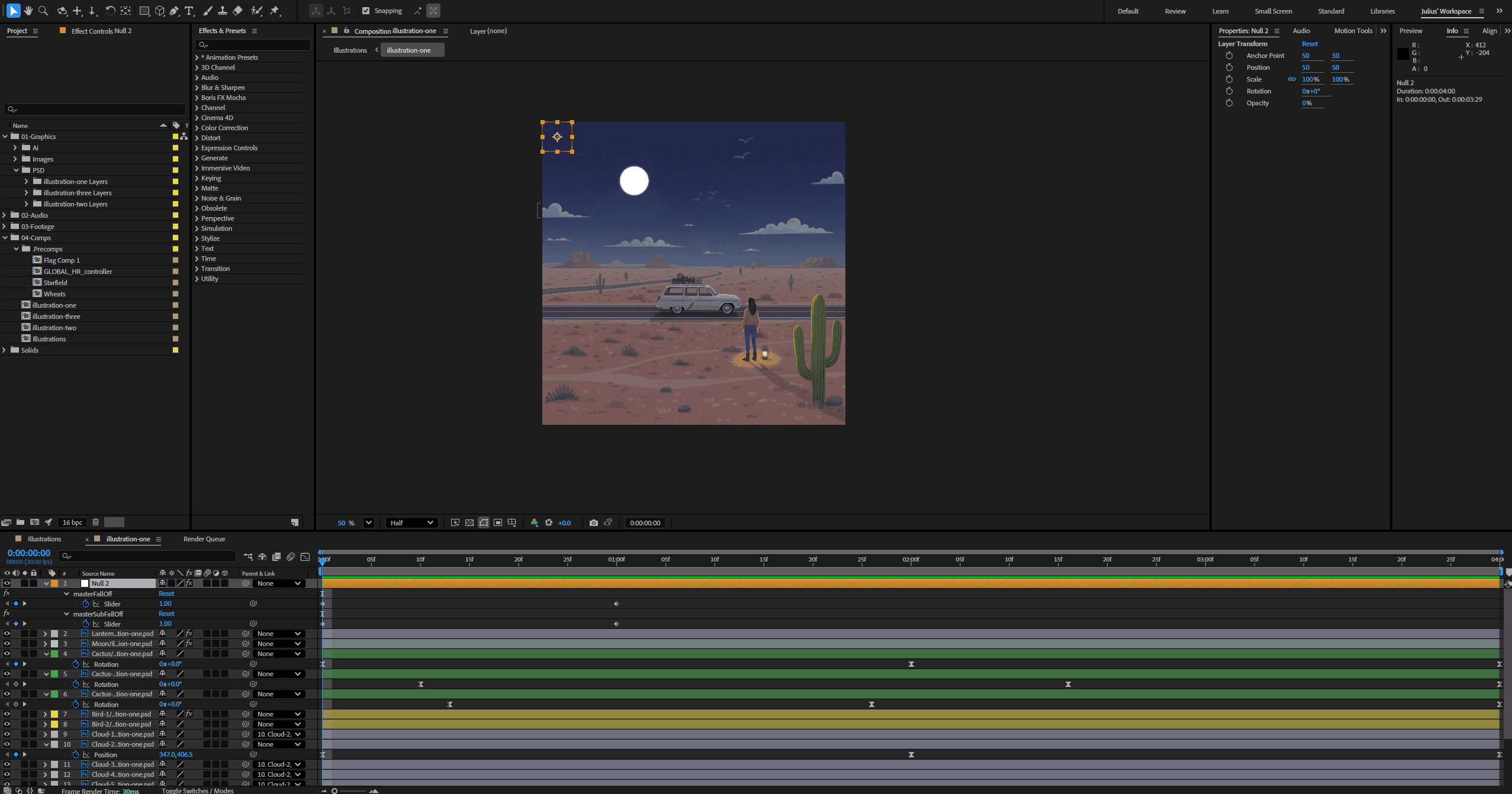
Screenshot of After Effects Project file
04 - REFLECTION
The project helped me improve my understanding of working with AI, as well as implementing subtle motion to simulate realism. Thinking ahead was critical in the development of the assets, as I had to consider the motion I wanted to showcase when generating the images so the final product would look visually appealing. It helped to improve my planning and preparation skillset when tackling big projects and resolving potential problems before they happened.